
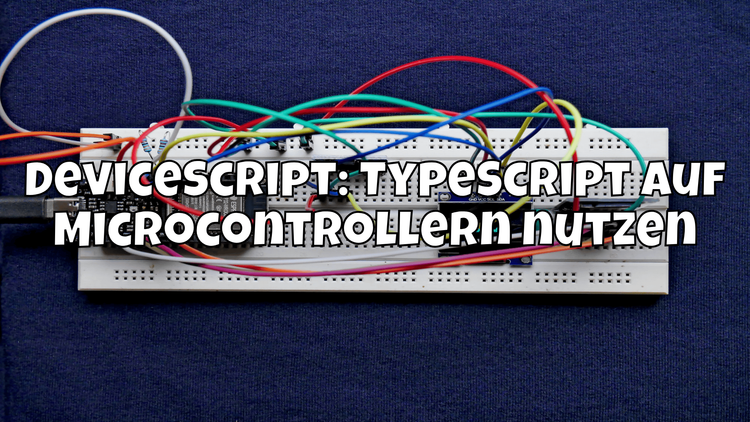

TL;DR: DeviceScript is an open-source project by Microsoft that lets you run TypeScript directly on microcontrollers like ESP32 and Raspberry Pi Pico (RP2040). You get type safety, modern tooling, and familiar syntax – right on the hardware.
🤔 What if you could use TypeScript on microcontrollers?
Imagine you could transfer your web development knowledge directly to a microcontroller. No C++, no MicroPython – just TypeScript, the language you probably already use every day. That's exactly what DeviceScript makes possible.
If you've been avoiding embedded programming because the barrier to entry was too high, DeviceScript is exactly what you need.
📦 What is DeviceScript?
DeviceScript is an open-source project by Microsoft that brings a subset of TypeScript to resource-constrained microcontrollers. The code is compiled into compact bytecode and executed in a small VM on the device.
What makes it special:
- TypeScript syntax with static typing
- VS Code integration with debugging, IntelliSense, and deployment
- Built-in support for hardware abstractions (GPIO, I2C, SPI, etc.)
- Networking out of the box (WiFi, MQTT, HTTP)
- Event-based programming model, similar to Node.js
🔧 Supported hardware
DeviceScript currently supports the following platforms:
- ESP32 – the classic choice for IoT projects
- ESP32-S2 / S3 / C3 – the newer variants with USB and BLE
- Raspberry Pi Pico (RP2040) – the affordable entry into the microcontroller world
This means you can work with boards that cost just a few dollars and still use TypeScript.
🚀 Getting started
The easiest way is through the VS Code Extension. Install it directly from the Marketplace:
# Install DeviceScript CLI globally
npm install -g @devicescript/cli

# Create a new project
devicescript init my-iot-project
cd my-iot-project
Then open the project in VS Code. The extension automatically detects the DeviceScript project and offers you:
- Syntax highlighting and type checks
- Device simulator – test without real hardware
- One-click deploy to connected boards
- Live debugging via serial connection
💡 Examples: Blink LED, read sensor, control GPIO
Blink LED
import { pins, DigitalPin } from "@devicescript/core"

const led = new DigitalPin(pins.GP0)

setInterval(async () => {
    await led.toggle()
}, 500)
Read temperature sensor
import { Temperature } from "@devicescript/core"

const temp = new Temperature()

temp.reading.subscribe(value => {
    console.log(`Temperature: ${value}°C`)
})
Control GPIO
import { gpio } from "@devicescript/core"

const button = gpio(2, { mode: "input", pull: "up" })
const relay = gpio(4, { mode: "output" })

button.subscribe(async (value) => {
    await relay.write(value ? 0 : 1)
    console.log(`Relay: ${value ? "OFF" : "ON"}`)
})
⚖️ Comparison: Arduino vs MicroPython vs DeviceScript
| Feature | Arduino (C++) | MicroPython | DeviceScript |
|---|---|---|---|
| Language | C/C++ | Python | TypeScript |
| Type safety | Static | Dynamic | Static |
| IDE support | Arduino IDE / PlatformIO | Thonny / VS Code | VS Code (native) |
| Debugging | Limited | REPL | VS Code Debugger |
| Learning curve | Steep | Flat | Flat (for web devs) |
| Community | Huge | Large | Growing |
| Performance | Native / Fast | Interpreted | Bytecode VM |
| Networking | Manual | Libraries | Built-in |
🌐 Networking: WiFi, MQTT, and HTTP built-in
A major advantage of DeviceScript is the built-in networking support. You don't need to include external libraries:
Connect to WiFi
import { connect } from "@devicescript/net"

await connect({
    ssid: "MyWiFi",
    password: "secret123"
})
console.log("Connected!")
HTTP Request
import { fetch } from "@devicescript/net"

const res = await fetch("https://api.example.com/data")
const data = await res.json()
console.log(data)
MQTT Publish
import { MQTTClient } from "@devicescript/net"

const mqtt = new MQTTClient({
    host: "broker.hivemq.com",
    port: 1883
})

await mqtt.publish("home/temperature", "22.5")
The whole experience feels like Node.js – just running on a microcontroller with 4 MB flash.
⚠️ Limitations: When NOT to use DeviceScript
As exciting as DeviceScript is – there are situations where it's not the best choice:
- Real-time critical applications: The bytecode VM adds latency. For hard real-time requirements (e.g., motor control), stick with C/C++.
- Extremely resource-constrained MCUs: Boards with less than 256 KB RAM are not supported.
- Production readiness: DeviceScript is still relatively young. For mass production, you should weigh the risks.
- Need a large community: If you rely on a huge community with thousands of tutorials, Arduino or MicroPython are better positioned.
- Special peripherals: Not all sensors and actuators have DeviceScript drivers yet.
🎯 Conclusion
DeviceScript is a fascinating project that bridges the gap between web development and embedded programming. If you already know TypeScript, you can dive into the IoT world with minimal effort.
The combination of VS Code integration, TypeScript type safety, and built-in networking makes getting started extremely pleasant. Sure, it's not an Arduino killer yet – but for prototyping, hobby projects, and web developers who want to explore hardware, it's a game-changer.
Try it out: microsoft.github.io/devicescript
Discover more articles
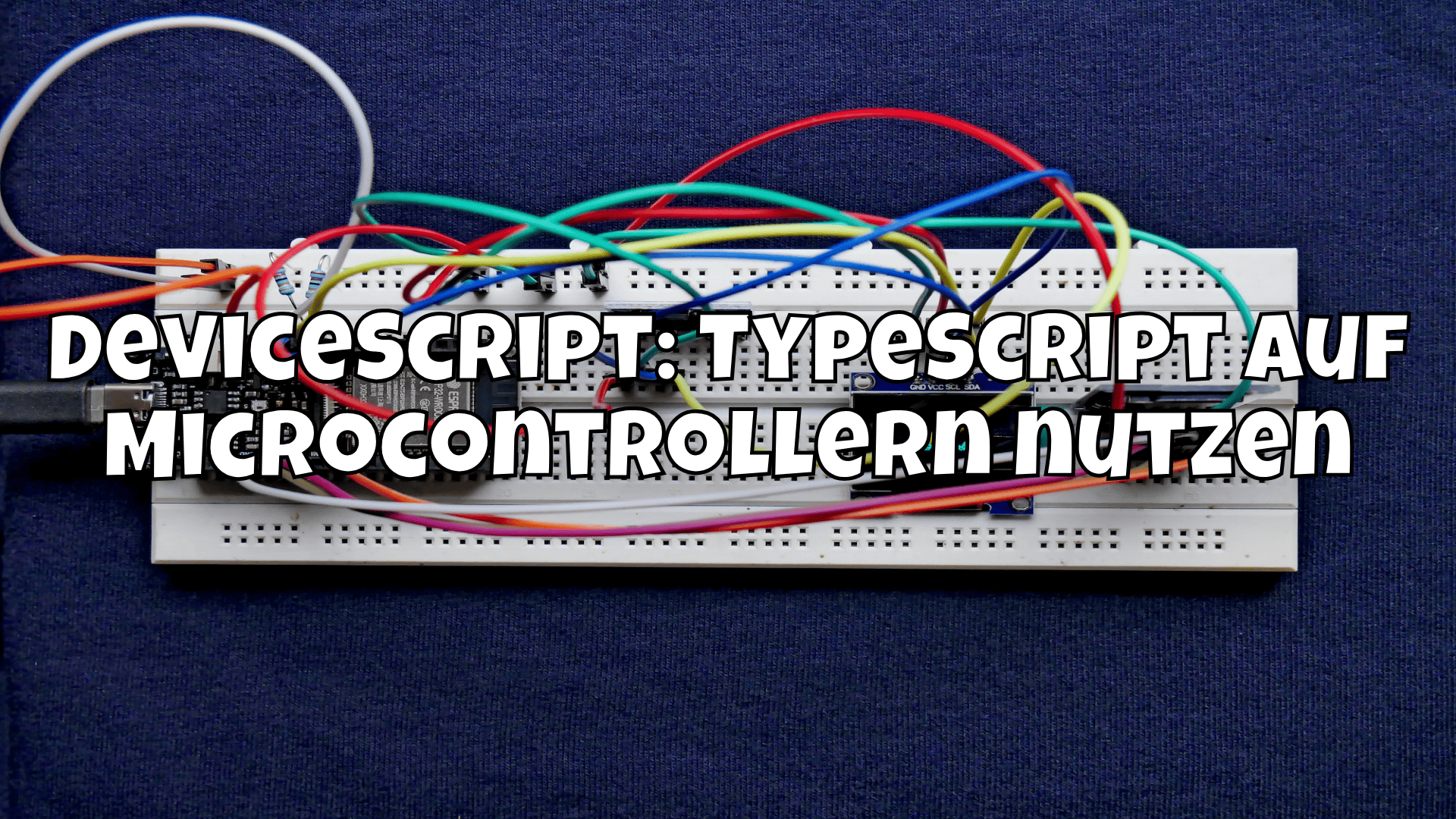
DeviceScript: TypeScript auf Microcontrollern nutzen
Mit DeviceScript von Microsoft kannst du TypeScript direkt auf ESP32 und RP2040 ausführen. So programmierst du Microcontroller mit moderner Webtech.

jQuery ist tot: Warum Du es sofort aus Deinen Projekten entfernen solltest 🚀
Erfahre, warum jQuery in modernen Webprojekten oft nicht mehr nötig ist und welche Alternativen Du nutzen solltest! 🚀