
Since our old Vaillant gas boiler broke down last year (yes, literally 🔥), we had a local gas/water installer fit a Weishaupt gas boiler.
Not only is it much more efficient, it also has a network interface and a connection to the WEM portal. This allows you to control your gas boiler and view data while on the move. But: You can a) only buy access for 5 years (cost €76.20) or b) you were nice to your gas/water installer and got it for free. As a small service to the customer, so to speak 😉
Weishaupt does not offer a (public) API
My first idea was to use an API from Weishaupt. But unfortunately they don't offer one. Why not at all? There's nothing wrong with it...
At least someone has thought about it and written an integration for Home Assistant that scrapes the page and makes all the relevant data available.
 erikkastelec
This integration can be easily installed via HACS.


That wasn't so bad 😎
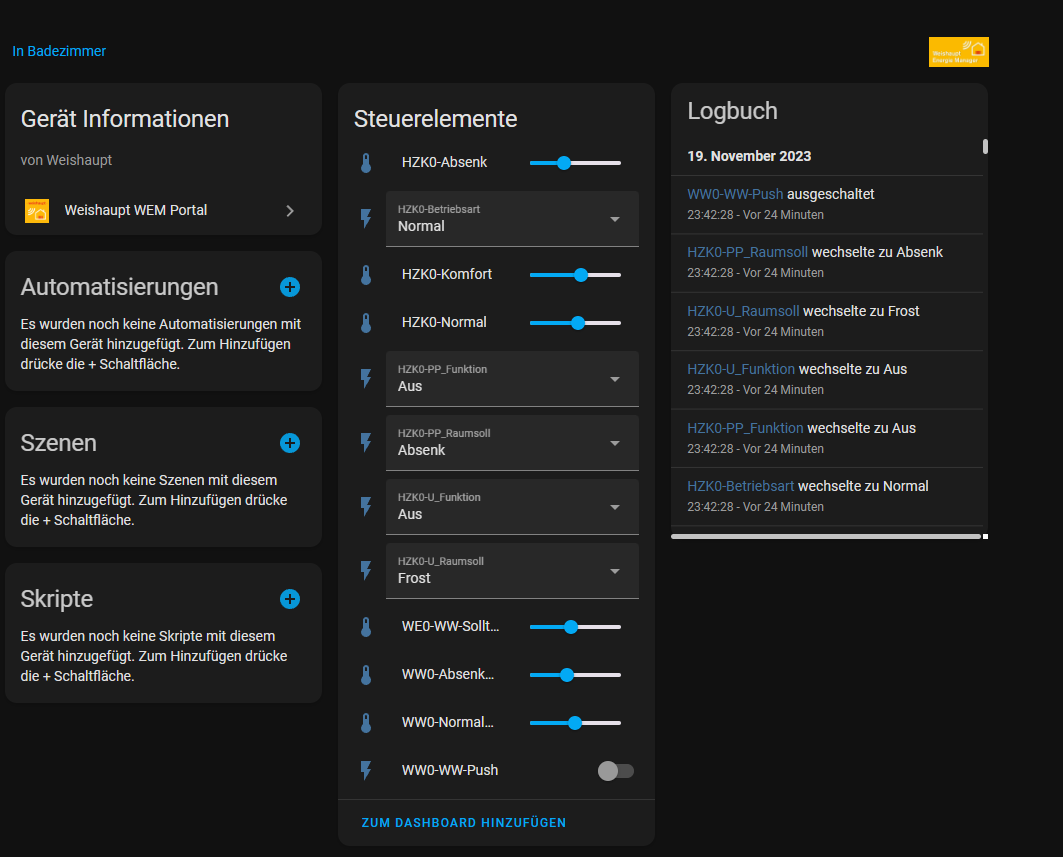
Once integrated, you have all the entities of the portal in Home Assistant:
With the help of the Mushroom Cards you can then build pretty fancy stuff in Home Assistant.
 piitaya
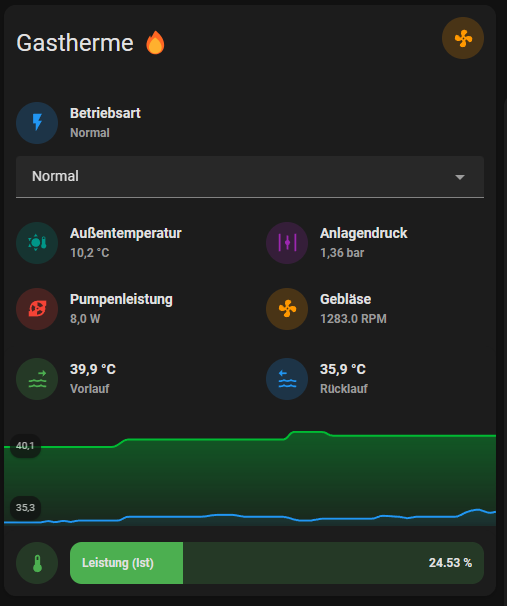
Et voila
Now you have successfully integrated your gas boiler into Home Assistant.
Cheers 🔥
How did the integration go for you? Did it work for you? Let me know in the comments 👇
Benefits of the integration
By integrating the WEM portal into Home Assistant, you have all heating data in one central location. You can analyze historical temperature trends, track energy consumption, and create intelligent automations. For example, you can automatically turn down the heating when no one is home, or adjust the flow temperature based on the weather forecast.
Automation ideas
The combination of WEM portal and Home Assistant opens up many possibilities: night setback based on your sleep rhythm, automatic adjustment when windows are open (combined with window sensors), or notifications for unusually high consumption. Especially in combination with weather data, heating can be controlled proactively to save energy.
Further reading
If you enjoyed this article, you might also find these interesting: