
Ubiquiti just announced the UniFi 5G Backup (U5G), a compact PoE-powered 5G RedCap antenna that plugs into any free UniFi port and automatically takes over as your internet backup, for just 89 € net (UniFi store prices are always quoted net of VAT, roughly 106 € incl. German VAT). Plug, PoE, play. With one important caveat for German networks: the band profile is fairly narrow.
🧐 What's the deal?
Internet failover in the UniFi world used to mean either an expensive gateway like the UDM SE (which has LTE built in), or an external router with a USB modem and a healthy dose of optimism. Neither one is what you'd call elegant.
The U5G fixes this. It's not a new gateway and not a new router, it's a small 5G antenna that hangs off any PoE port on your switch or gateway and adopts into the UniFi controller automatically. Exactly the kind of hardware I want in my rack.
📦 What's inside?
The key facts:
- 5G RedCap (Reduced Capability), purpose-built for backup: less complexity, lower power, plenty of throughput for emergency duty.
- Power over Ethernet, standard PoE (802.3af, 14.5 W), works on any UniFi PoE port. No power brick, no USB modem nonsense.
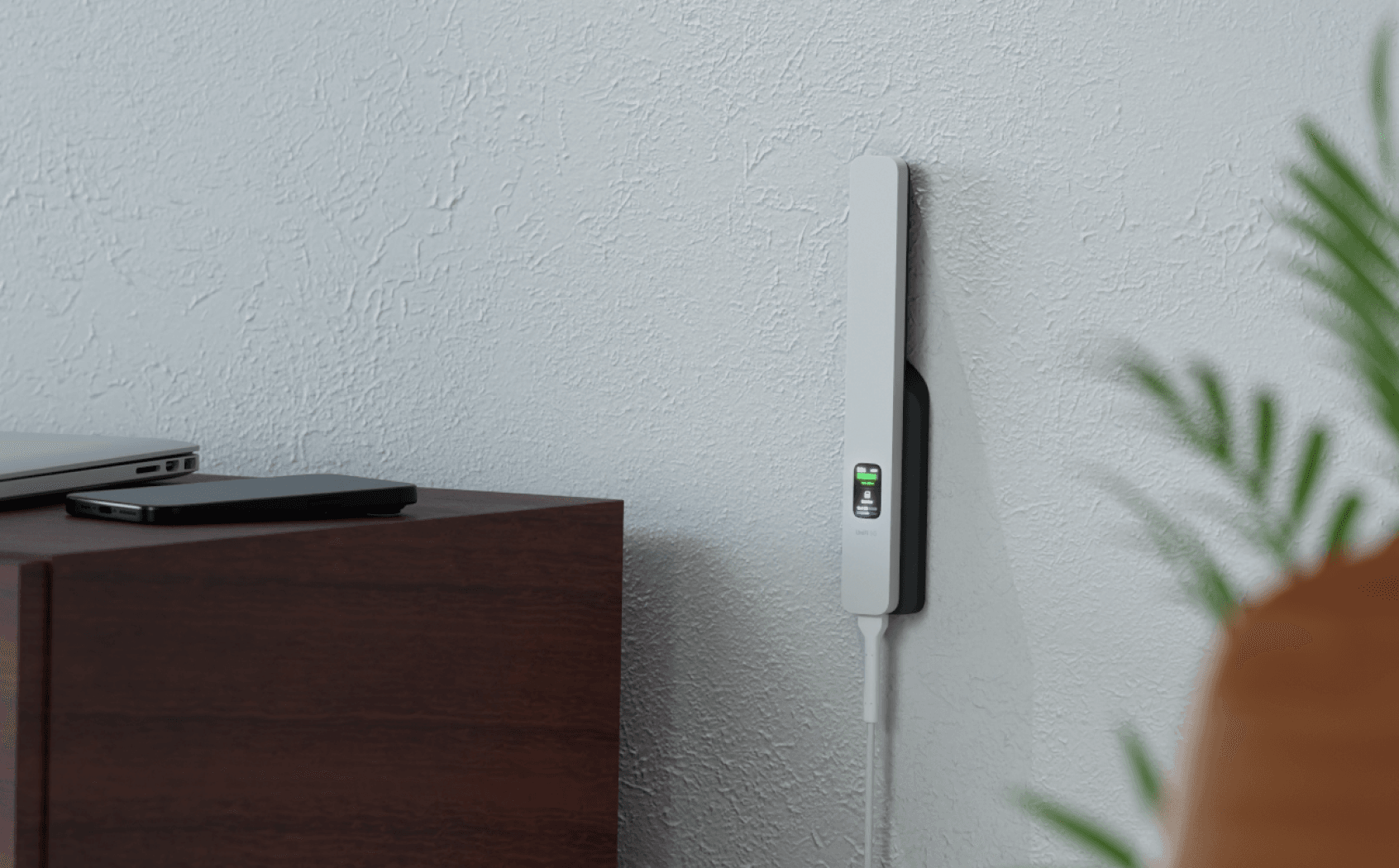
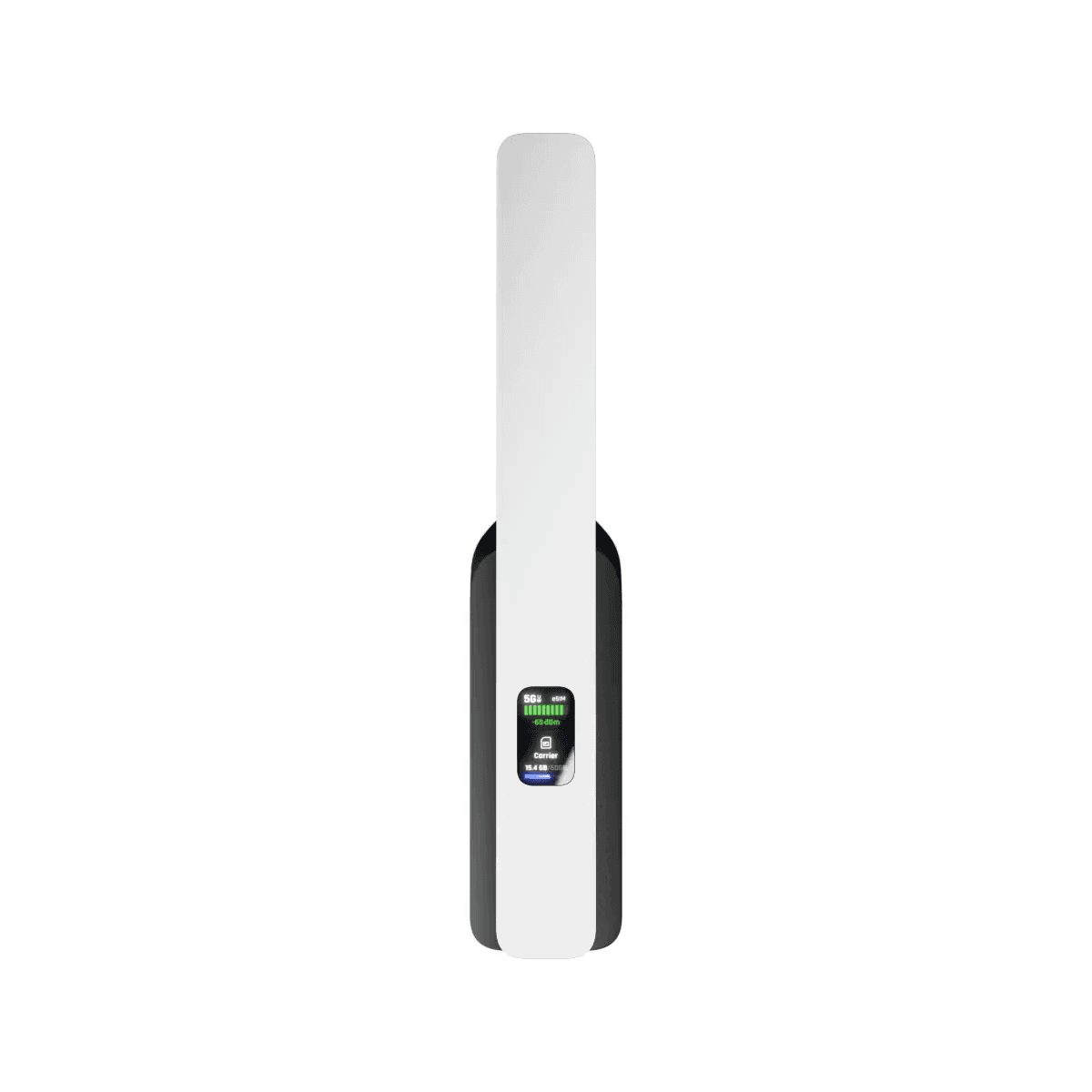
- Flexible indoor mounting, wall, shelf or desktop cradle. Outdoor is not supported: the device is rated for 0–40 °C operating temperature and has no IP rating.
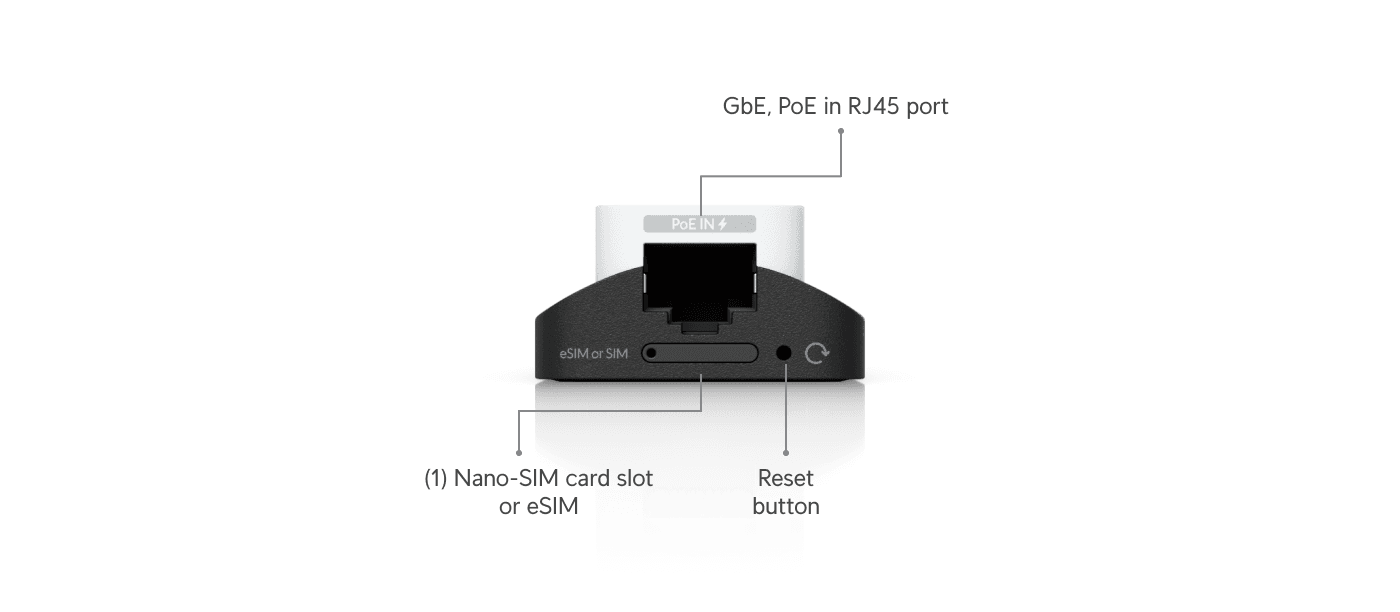
- Nano-SIM + eSIM, both onboard, but not simultaneously (no true dual-SIM like the U5G Max).
- Native UniFi integration, failover rules configured directly in the Network app, no external tooling.
Classic Ubiquiti move: one device, one cable, one job.
🎬 The official introduction video
Ubiquiti dropped a short introduction video alongside the announcement. Honestly just watch it, it saves me 500 words of describing it:
📡 Specs at a glance
With the first datasheets and reviews available (notably Dong Knows Tech), here are the actual numbers:
| Spec | Value |
|---|---|
| 5G NR bands | n2, n5, n7, n12, n13, n14, n25, n26, n30, n38, n41, n48, n66, n71, n77, n78 |
| LTE bands | B2, B4, B5, B7, B13, B14, B25, B26, B30, B38, B41, B42, B43, B48, B66, B71 |
| Throughput (paper) | 5G: 220 Mbps ↓ / 120 Mbps ↑ · LTE: 195 / 100 Mbps |
| Throughput (real-world, Dong) | 30–85 Mbps ↓ / 1–3 Mbps ↑ |
| SIM | 1× Nano-SIM (4FF) + 1× eSIM (not concurrent) |
| PoE | 802.3af Gigabit PoE-in, 14.5 W max |
| Antennas | 2× omnidirectional, embedded (gain not disclosed) |
| Dimensions / weight | 200 × 38 × 20.2 mm · 122 g |
| Operating temp | 0–40 °C (indoor) |
| IP rating | none — not outdoor-rated |
🇩🇪 Important for Germany: the band situation
This is where you need to be honest with yourself before buying. The bands relevant for Germany versus what the U5G supports:
- 5G n78 (3.5 GHz), ✅ supported. This is the main 5G band used by Telekom, Vodafone and O2 for the bulk of their 5G rollout. In cities and dense areas, exactly what you want.
- 5G n1 (2.1 GHz), n3 (1.8 GHz), n28 (700 MHz), ❌ not supported. n28 is especially important for rural coverage.
- LTE B7 (2.6 GHz), B38 (2.6 TDD), ✅ supported, both common in German cities.
- LTE B1 (2.1), B3 (1.8), B8 (900), B20 (800), B28 (700), ❌ not supported. These are the workhorse bands for German LTE area coverage. B20 and B28 in particular would be critical for rural failover.
Translation: in urban Germany the U5G will very likely work well, n78 for 5G, B7 for LTE fallback. In rural areas or signal-edge locations things get tight because the low-frequency bands (which give range and building penetration) aren't covered.
Before you buy, check honestly: which band does your carrier serve at your location? With Telekom, Vodafone and O2 it's worth looking at coverage maps, or better, doing a quick test with a 5G phone on site.
🤔 Why I (still) care
My homelab runs almost entirely on UniFi, APs, switches, gateway, the whole family. Until now, LTE failover meant committing to a bigger gateway or bolting on an external router. The U5G finally makes this elegant:
- Plug it into any free PoE port, done, it adopts into the controller automatically.
- Insert a SIM or activate the eSIM via QR code and configure your failover rules.
- Let it sit in the background, the moment your fiber dies, 5G takes over.
For anyone working from home or maintaining smaller sites, ideally in a city with n78 coverage, this is a real game changer. A fiber outage no longer means "day over", it means "quick switchover, carry on". Even the real-world 30–85 Mbps from Dong's review is plenty for video calls, SSH and monitoring.
💶 Availability and price
The U5G is listed in Ubiquiti's EU store, available from June 2026 at 89 € net (UniFi always quotes net prices in the store, with German VAT you land at roughly 106 € gross). Even with the band limitations that's surprisingly affordable, competing 5G failover solutions easily cost 3–4x more.
🚀 Verdict
The U5G is a genuinely clever move by Ubiquiti: a tiny PoE module that turns a standard UniFi setup into a WAN-redundant one, without swapping out the gateway, without USB-modem hacks. At 89 € net the price/performance is almost unfair.
The catch is the band profile: perfectly usable in urban Germany with n78 5G and B7 LTE, but limited in the countryside. If you need failover in rural areas, reach for the bigger U5G Max or check your local coverage honestly first.
I haven't pre-ordered yet, but as soon as the U5G is actually available in the EU store, I'm grabbing one. Then you'll get the hands-on report, including the all-important question: how clean does the failover really feel when the fiber actually dies? If you're testing in parallel, drop me a comment or an email.